Dynamic Stream Notifier | For Discord
Developed by FlockersDesign
Streamer.bot 1.0.7 is currently not supported (tested). Please use a supported version for full compatibility.
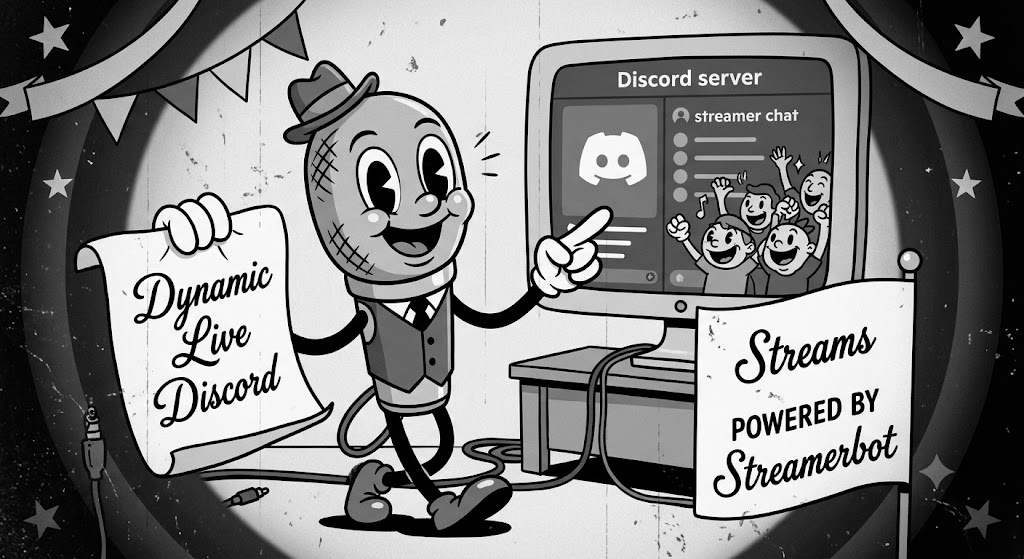
A clean, advanced C# script built for Streamer.bot that manages your Discord community alerts. Instead of spamming a new notification every time your game, title, or viewer count changes, this script utilizes a single persistent message bubble with custom platform icons, follower progress tracking, and live stat sync.
Key Features
Automatically locks onto your initial go-live notification and uses Discord API patches to keep everything updated in real-time.
Fully supports custom Discord server emoji IDs for Twitch and Kick to make your embeds stand out natively in chat.
Displays individual viewer breakdowns for Twitch and Kick, total combined viewership, peak stats, and a follower goal progress bar.
Keeps your announcement channel organized by seamlessly updating the single live post and transitioning it to a dark offline summary when done.